
GLview gives you deep insight into your 3D accelerator — vendor name, API versions, renderer details, and a full extensions database. Ideal for developers, QA engineers, and graphics enthusiasts.
100% Free · No adware · No spyware · Windows 10/11 · Also on Mac, iOS & Android

25 yearsof continuous development
10,000+GPU renderers in database
4 APIsOpenGL · Vulkan · DirectX · Metal
10 languagesEN · FR · DE · IT · JA · NL · PT · UK · RU · ZH
100% freeSoftpedia certified clean
GLview is a professional graphics diagnostic and benchmarking tool used by developers, gamers, and system integrators worldwide. It reveals every detail of your GPU — from extension support and API versions to real-time rendering performance.
Whether you’re a gaming enthusiast optimizing performance, a developer targeting specific API versions, or an IT professional auditing hardware capabilities — GLview provides the data you need, clearly and instantly.
GLview is free of charge and has been recognized by Softpedia as 100% free and safe from spyware, adware, and viruses.
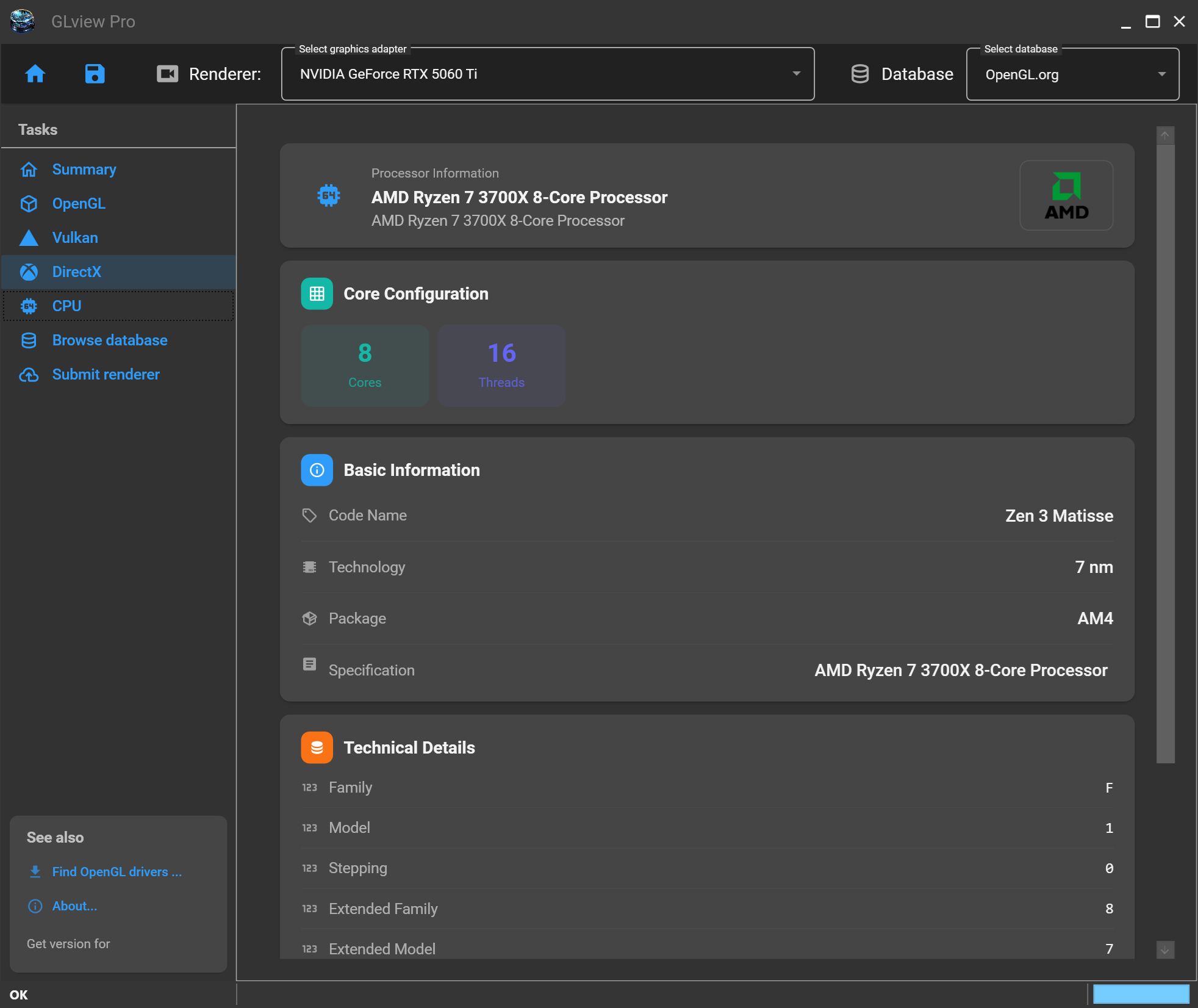
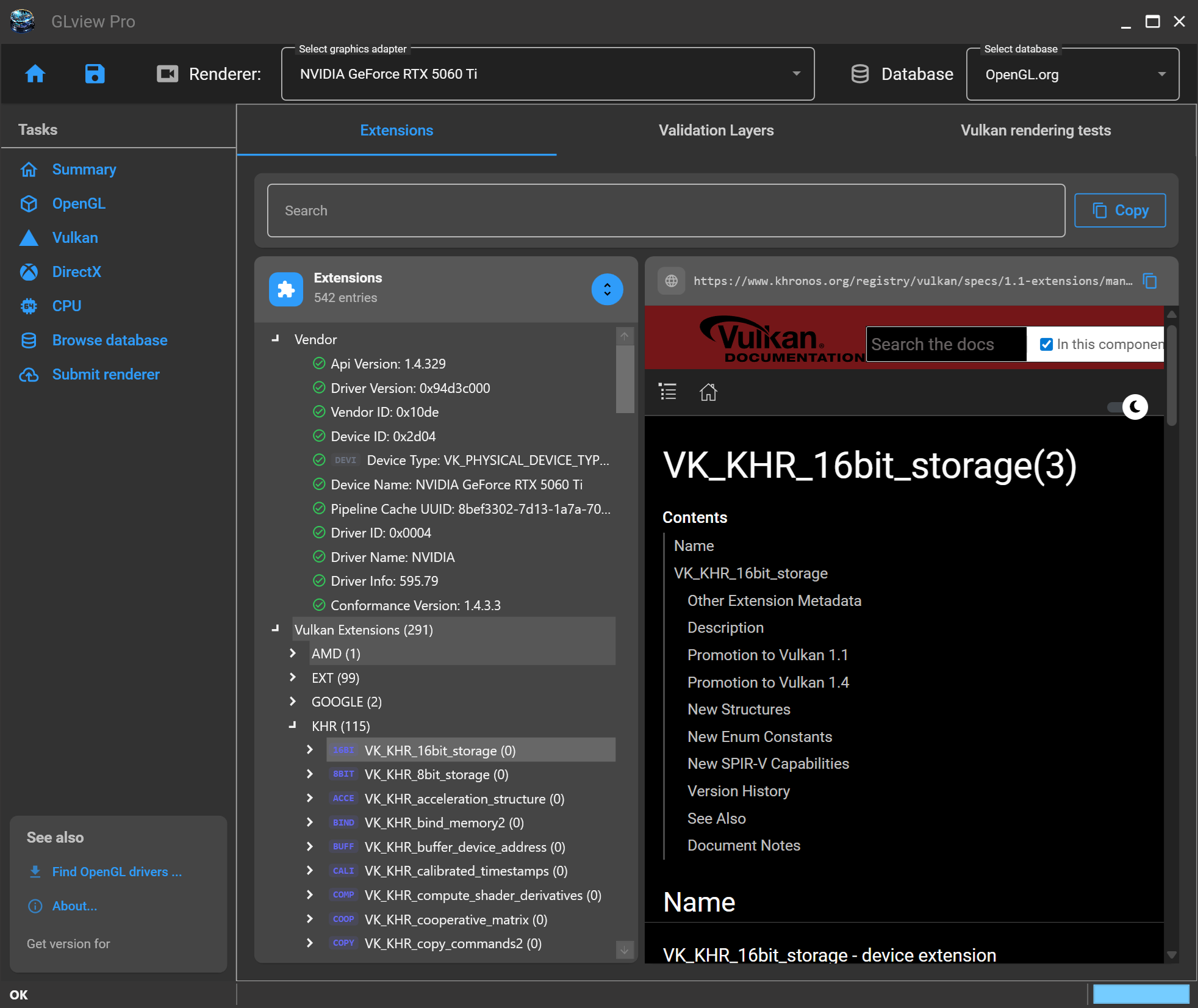
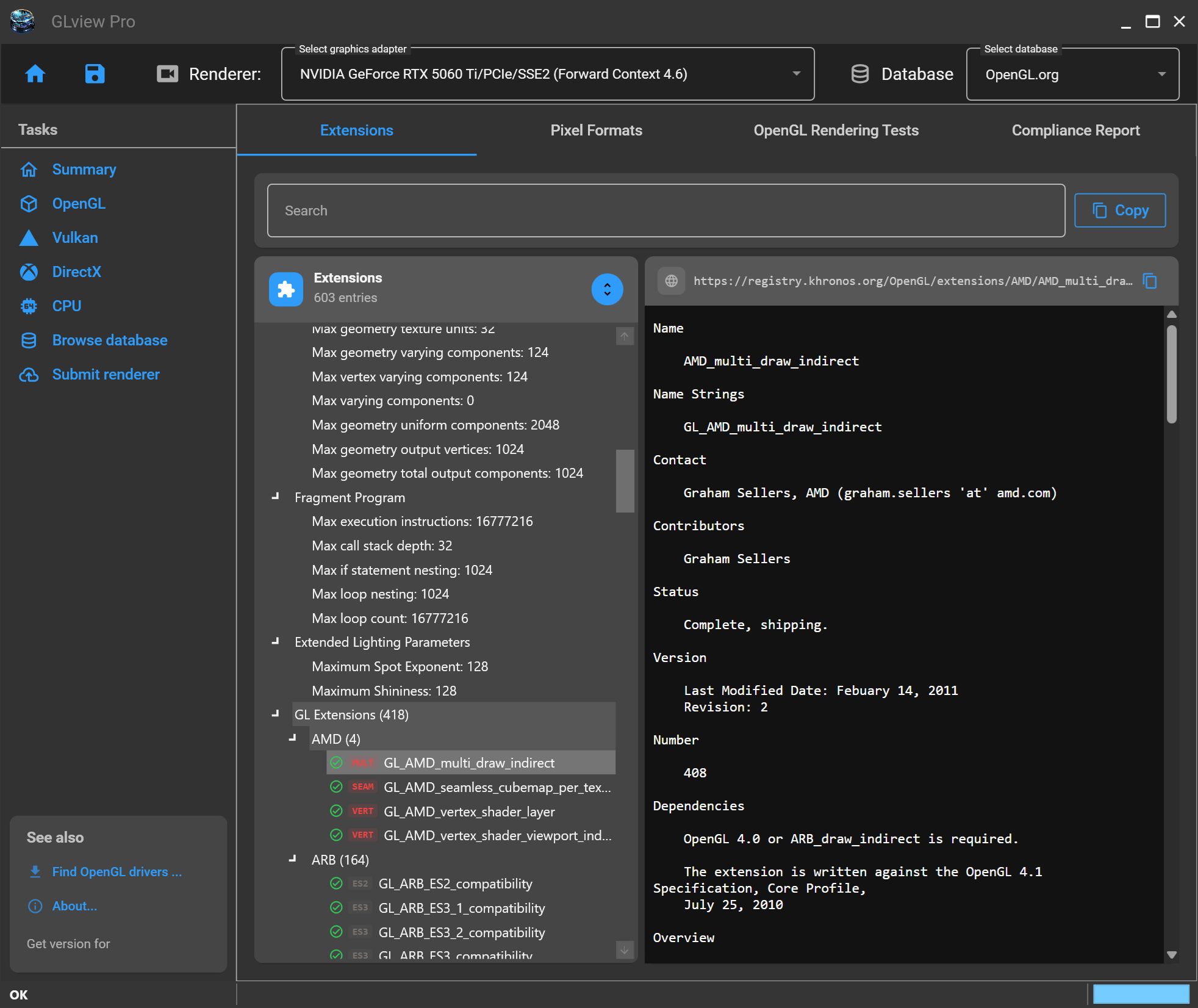
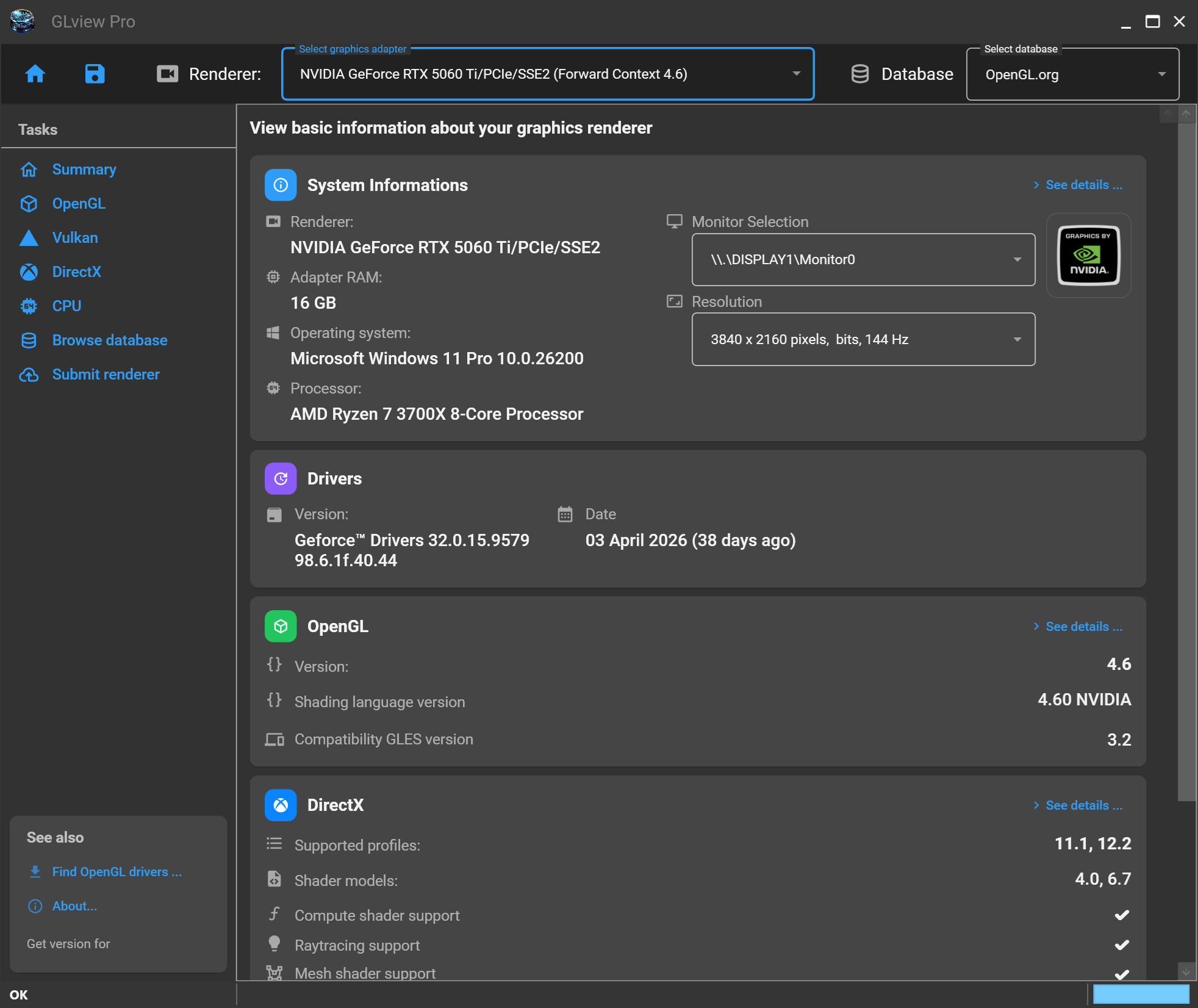
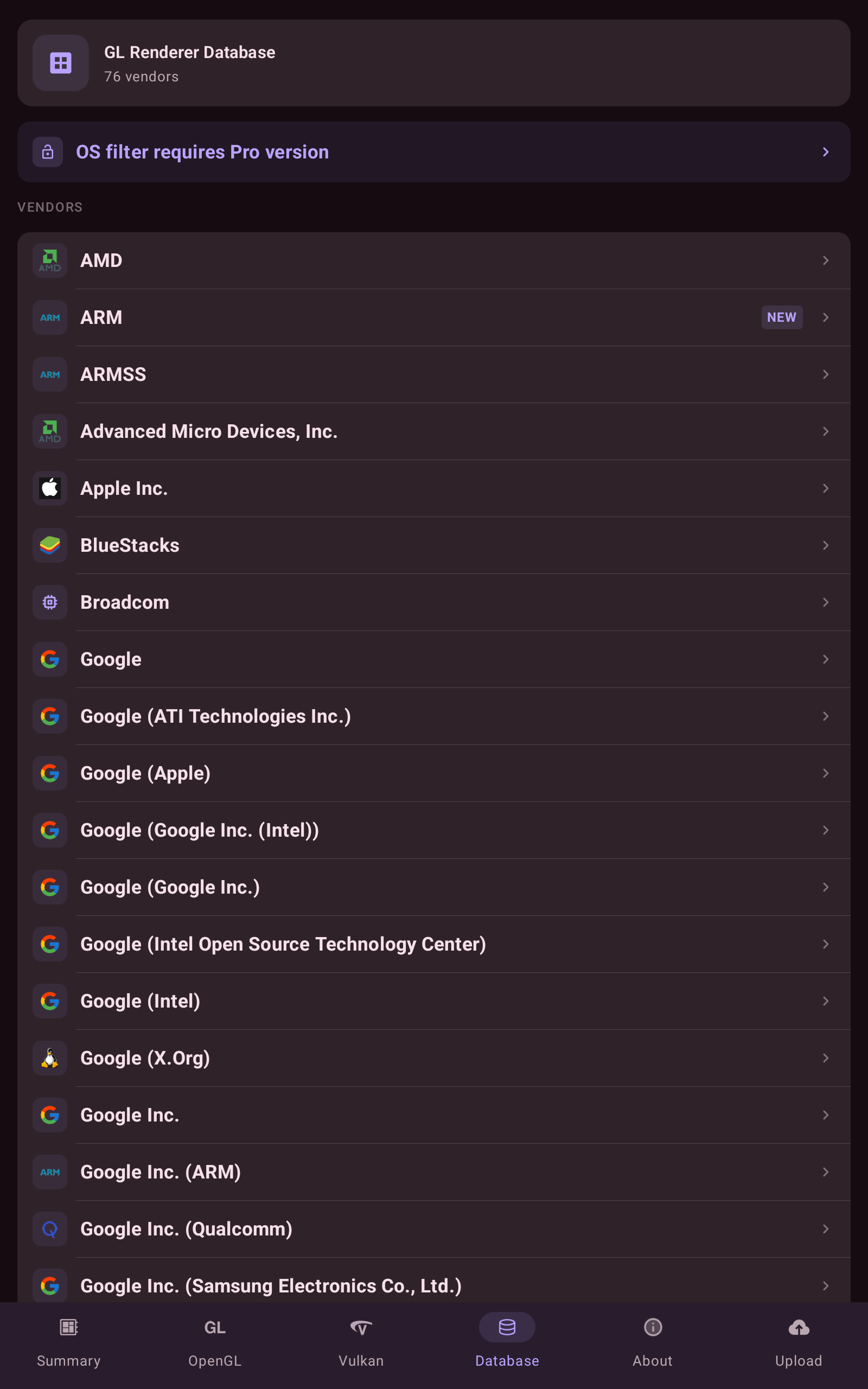
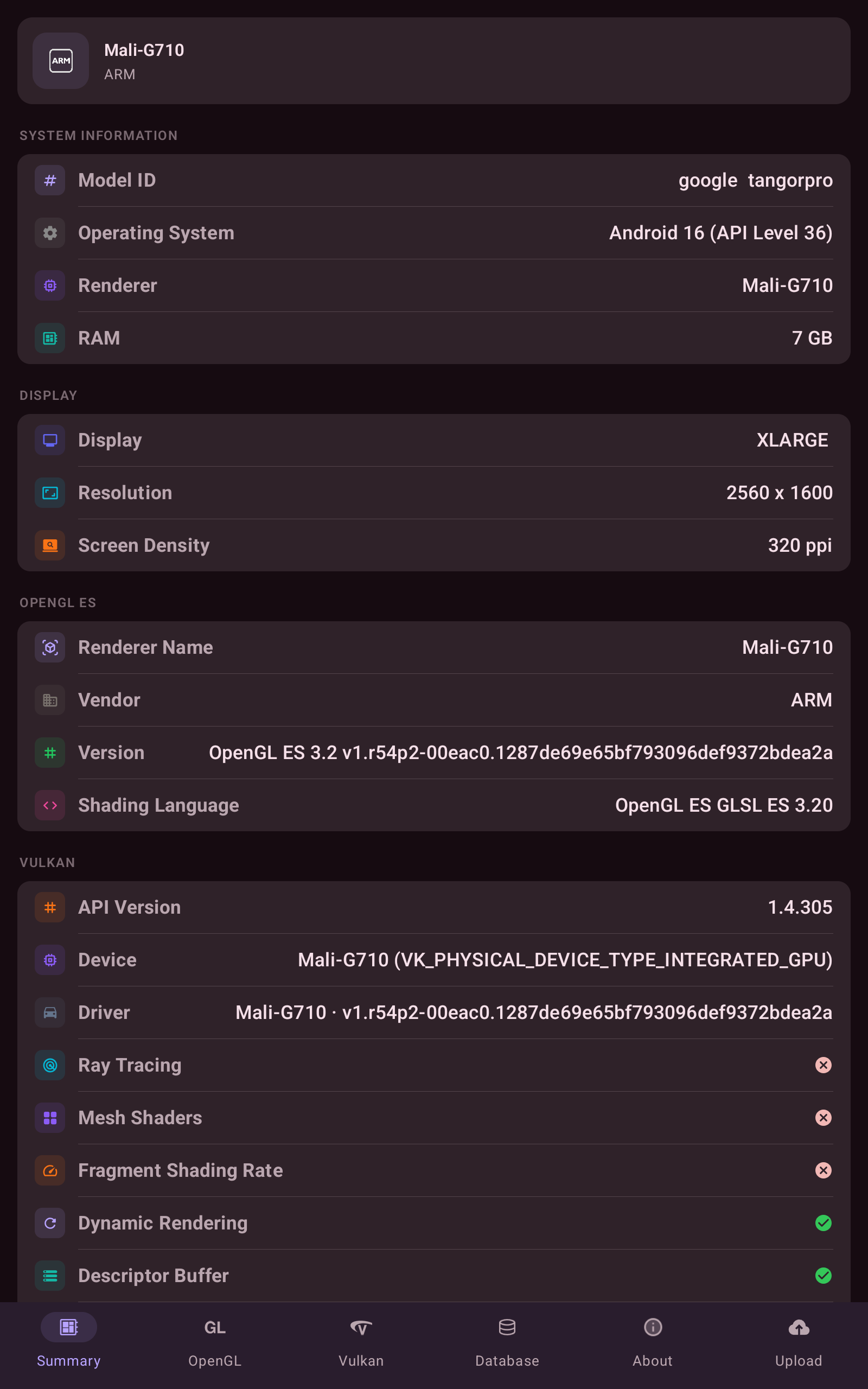
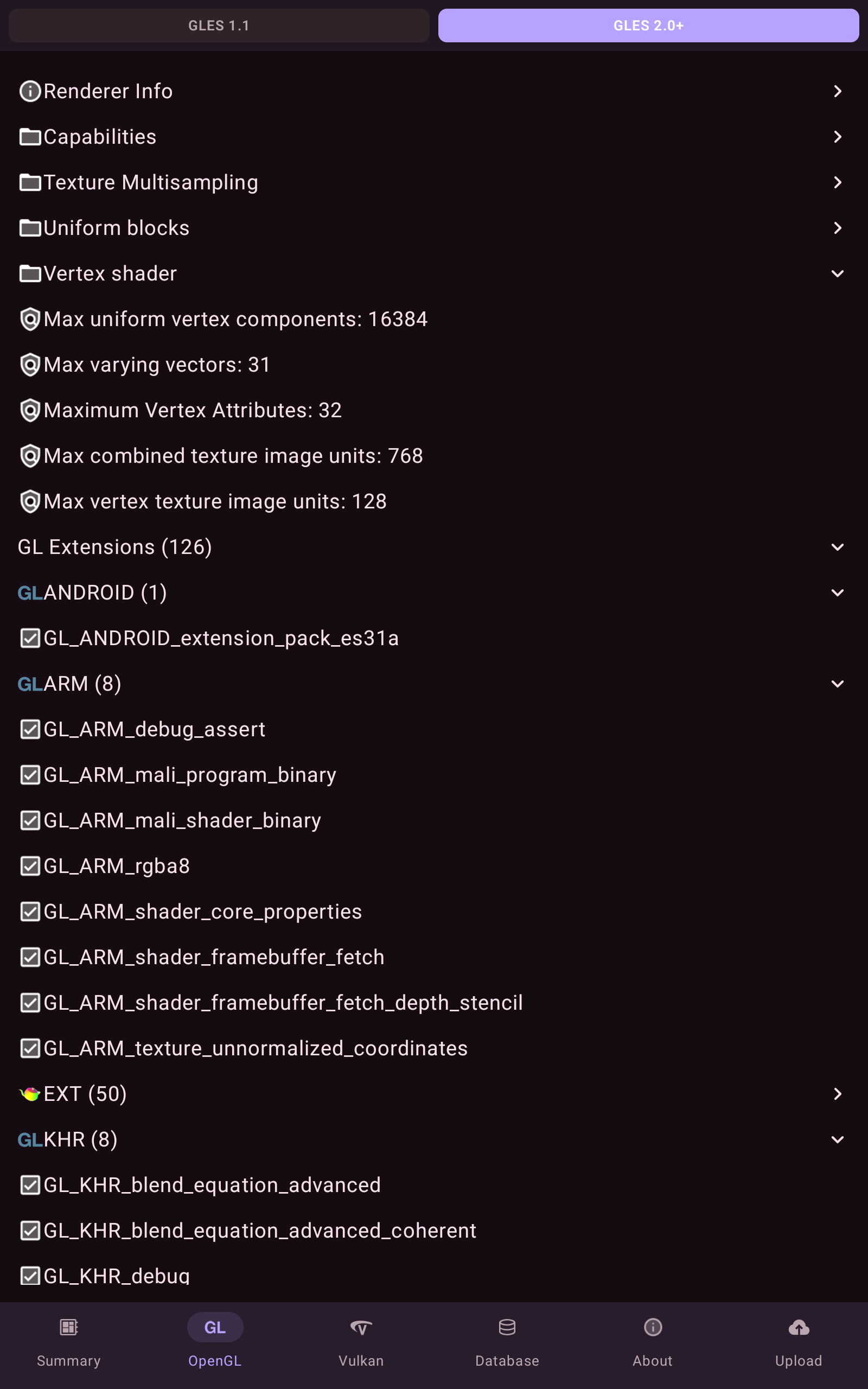
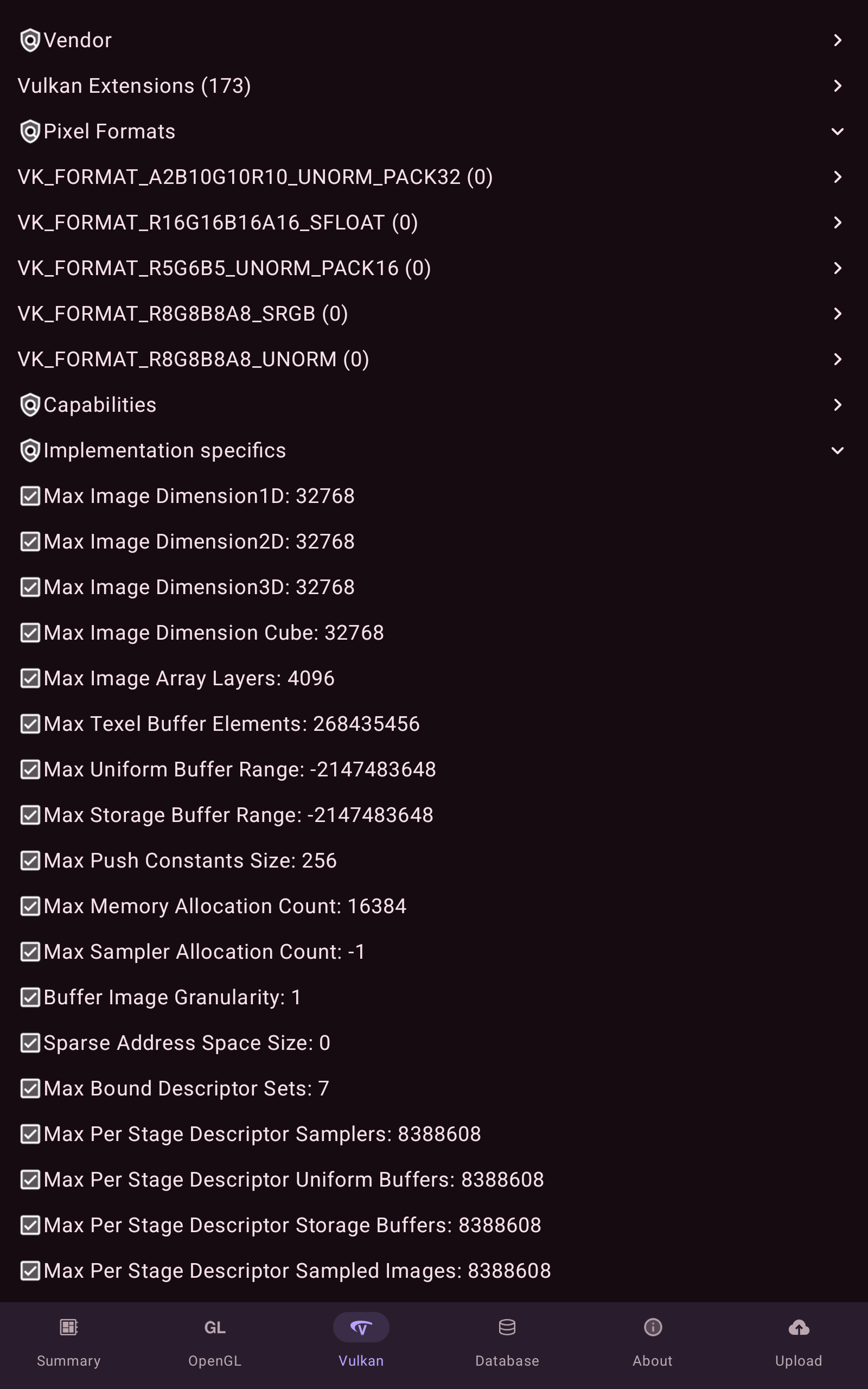
Full-featured GPU diagnostics with rendering benchmarks, DirectX viewer, and a database of 10,000+ extension entries. The most complete OpenGL, Vulkan & DirectX inspector for Windows.
OpenGL Vulkan DirectX 12 CPUID

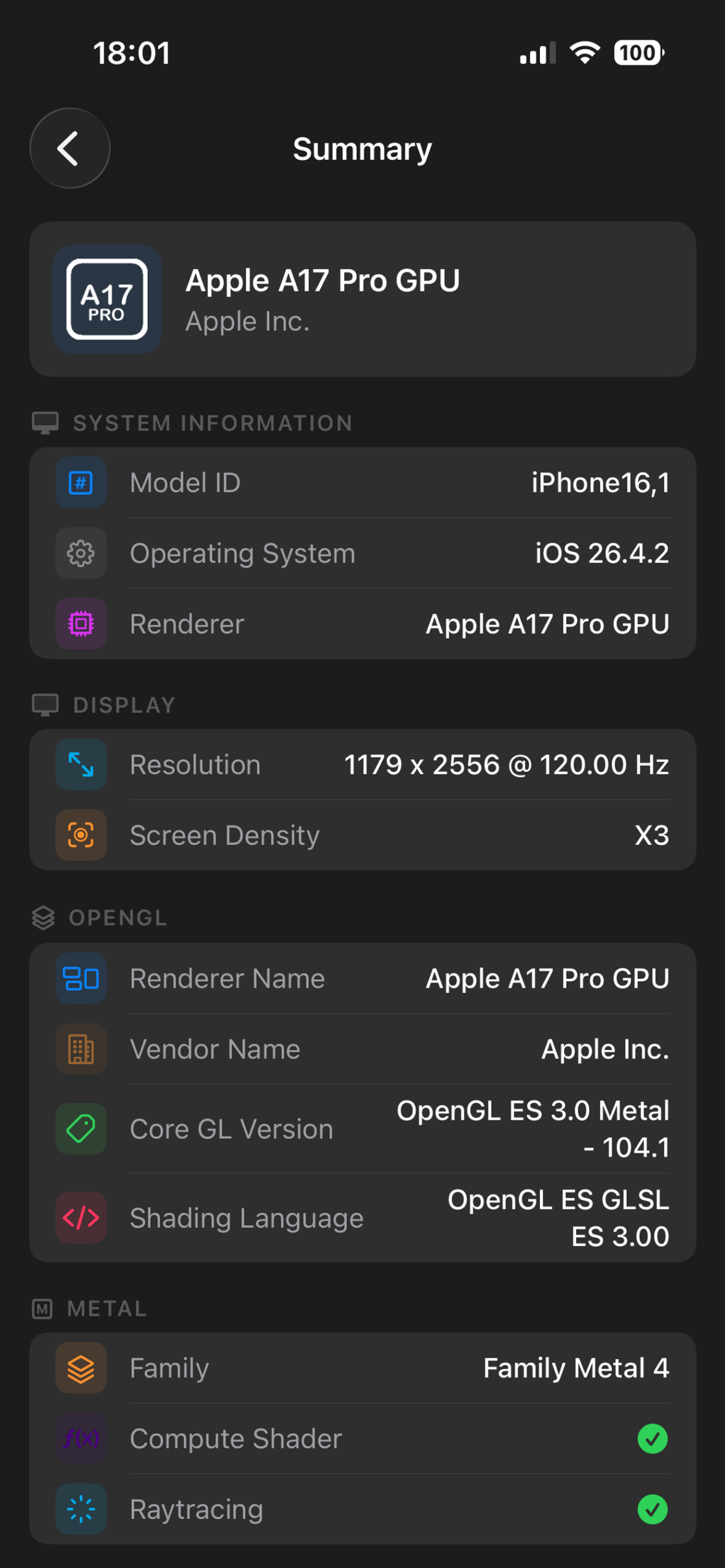
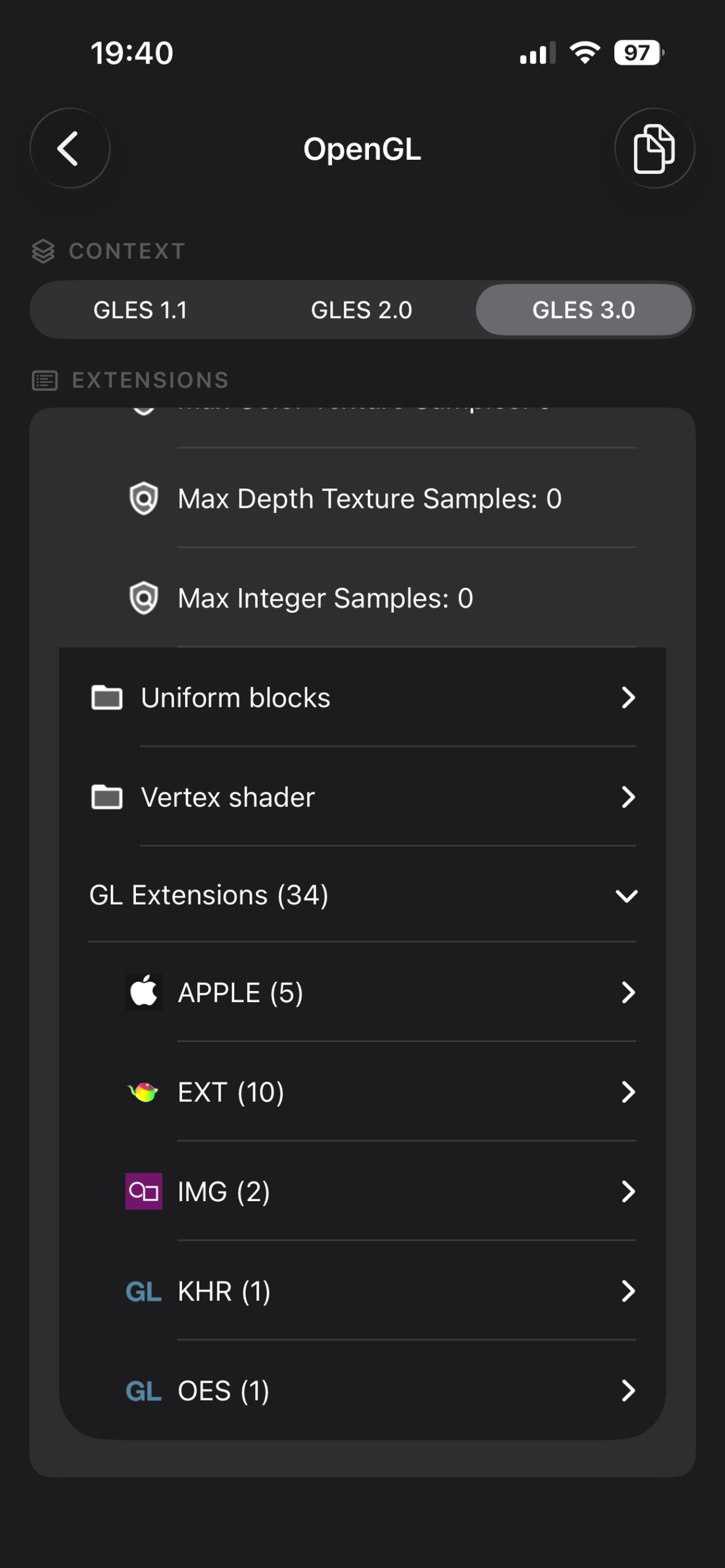
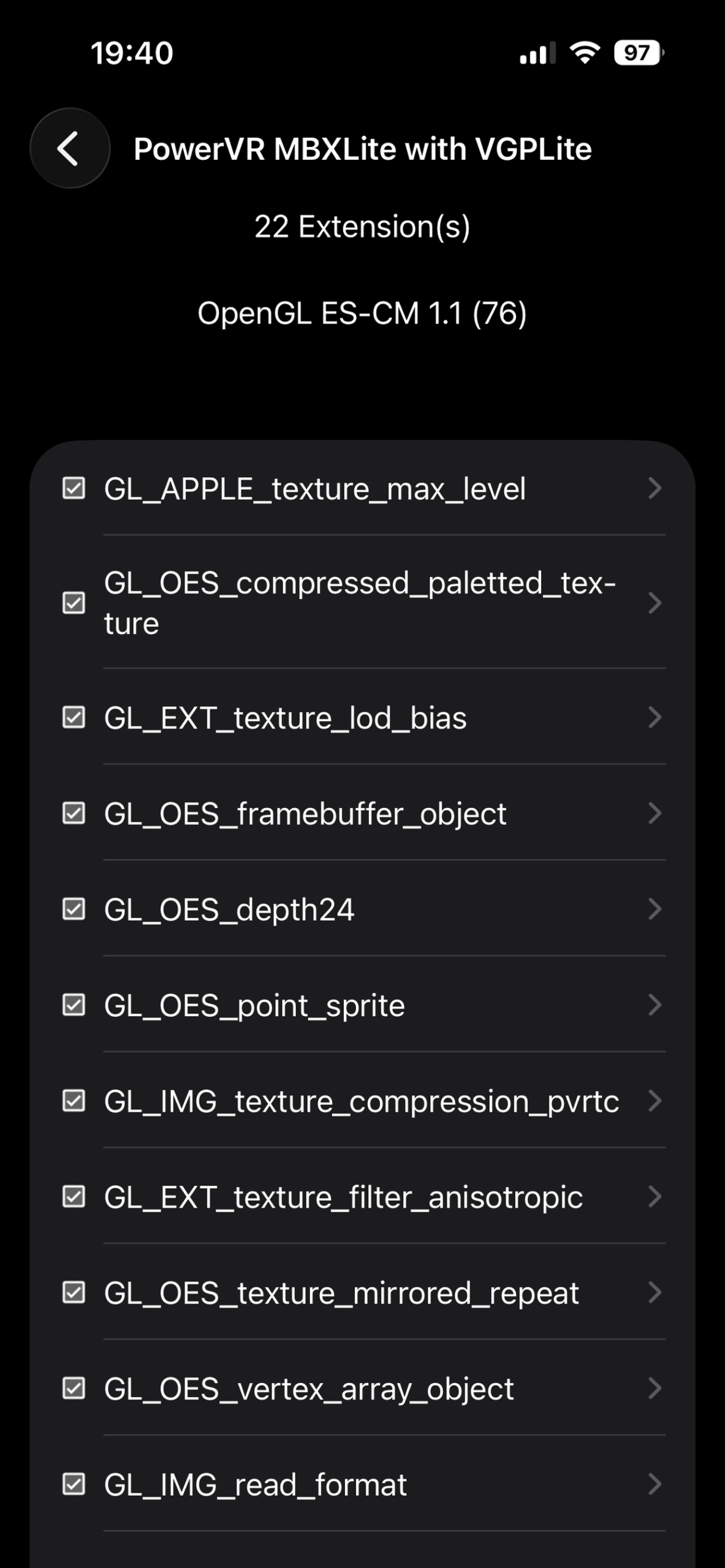
Fully rewritten in SwiftUI. Native experience optimized for Apple Silicon and iOS 26. Covers Metal, OpenGL ES, Vulkan via MoltenVK, and GPU driver details for all supported devices.
Metal OpenGL ES SwiftUI


Rewritten with Jetpack Compose. Modern design with full Vulkan feature detection, GPU information, OpenGL ES extension listing, and device capability reporting.
Vulkan OpenGL ES Jetpack Compose

Watch GLview’s OpenGL Extensions List, version details, rendering tests, and 10,000+ entry database — live demo walkthroughs.
Everything you need to know about GLview. Can’t find what you’re looking for? Check the links section.
Yes. GLview for Windows has always been free to download and use. It contains no adware, spyware, or malware — independently verified by Softpedia. GLview Pro (iOS/Android/macOS) may have a free tier with optional in-app purchases for advanced features.
GLview 7.x is the Windows desktop application with the full rendering test suite, DX12 viewer, and database. GLview Pro is the mobile/modern desktop edition — rebuilt with SwiftUI (iOS/macOS) and Jetpack Compose (Android).
GLview 7.x targets Windows 10 and 11. GLview 5.39 supports Windows XP/Vista. GLview 2.60 (re-released 2026) covers systems back to Windows NT 4.0 and remains compatible up to Windows 11.
Yes. GLview 7.x includes an integrated DirectX Capabilities Viewer that detects your DX version, DX12 Ultimate support, and Shader Model up to 6.7.
The open-source glview-kit on GitHub lets developers integrate and trigger GLview’s rendering tests programmatically, without launching the full application. Useful for automated testing pipelines.
Within GLview, the Submit function sends your GPU’s capabilities data anonymously to the centralized database. This keeps the renderer database up to date for the entire community.
GLview is also listed by these independent software directories.
Useful links related to OpenGL Extensions and Programming:
Open-source SDK to activate rendering tests without starting the full application: